



Built by us, works inside LightBurn
MyLaserTools, Right Inside LightBurn
MyLaserTools is the suite of design generators we built for laser crafters. In LightBurn, open Web Tools, then My Laser Tools, and the generators open in a window right inside your laser software.
Pick a tool, type your text and click Download to LightBurn. Only laser-ready tools are shown, and most are free with no signup.

Ready to cut
Layers Already Split
The design lands on your workspace with every operation on its own colour: cut, engrave and score each get their own LightBurn layer. Set power and speed per layer, run a Material Test on an offcut, then cut.
Popular MyLaserTools Generators


Try It on Your Own Laser
Guides That Use LightBurn
Material tests, settings and jigs, written from our own laser.
All guides
LightBurn and MyLaserTools questions
-
Does LightBurn have a free trial?
Yes. LightBurn offers a 30-day trial with the full software, no watermarks and no limits.
-
Do MyLaserTools designs work in LightBurn?
Yes. In LightBurn, open Web Tools, then My Laser Tools, and the generators open in a window inside LightBurn. Click Download to LightBurn and the design lands on your workspace, with cut, engrave and score on separate colour layers. Files downloaded from mylasertools.com open in LightBurn the same way.
-
Are MyLaserTools and LightBurn the same company?
No. They are separate, independent businesses. We built MyLaserTools; LightBurn is made by LightBurn Software. YXE Creations Craft Hub is a LightBurn affiliate.
-
Does LightBurn have a material test?
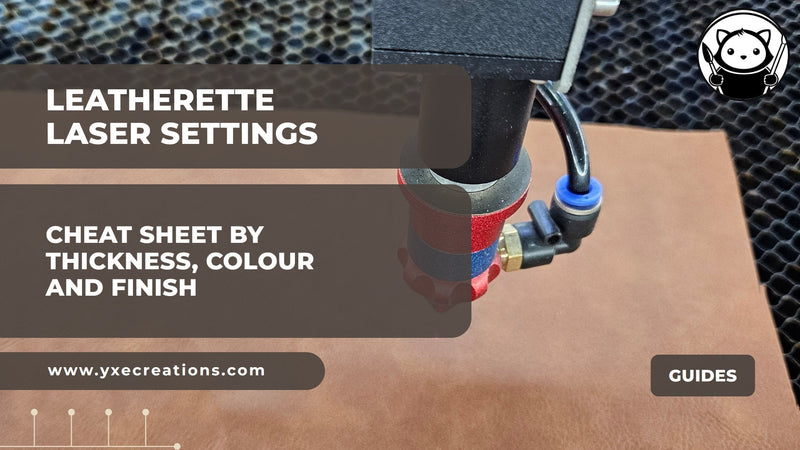
Yes. Laser Tools, then Material Test builds a labelled power and speed grid automatically. It is the fastest way to dial in settings on a new sheet of acrylic or leatherette.
-
Does LightBurn work with my laser?
LightBurn supports most GCode diode lasers, DSP-controlled CO2 lasers and galvo fibre lasers. Some machines, such as Glowforge, only run their own software. Check LightBurn's supported hardware list, or install the trial and connect your machine.
-
Do I need LightBurn to use your materials or guides?
No. Our sheets and guides work with any laser software. We recommend LightBurn because we use it ourselves.